
Booking system for activities. Built by people from the industry itself.
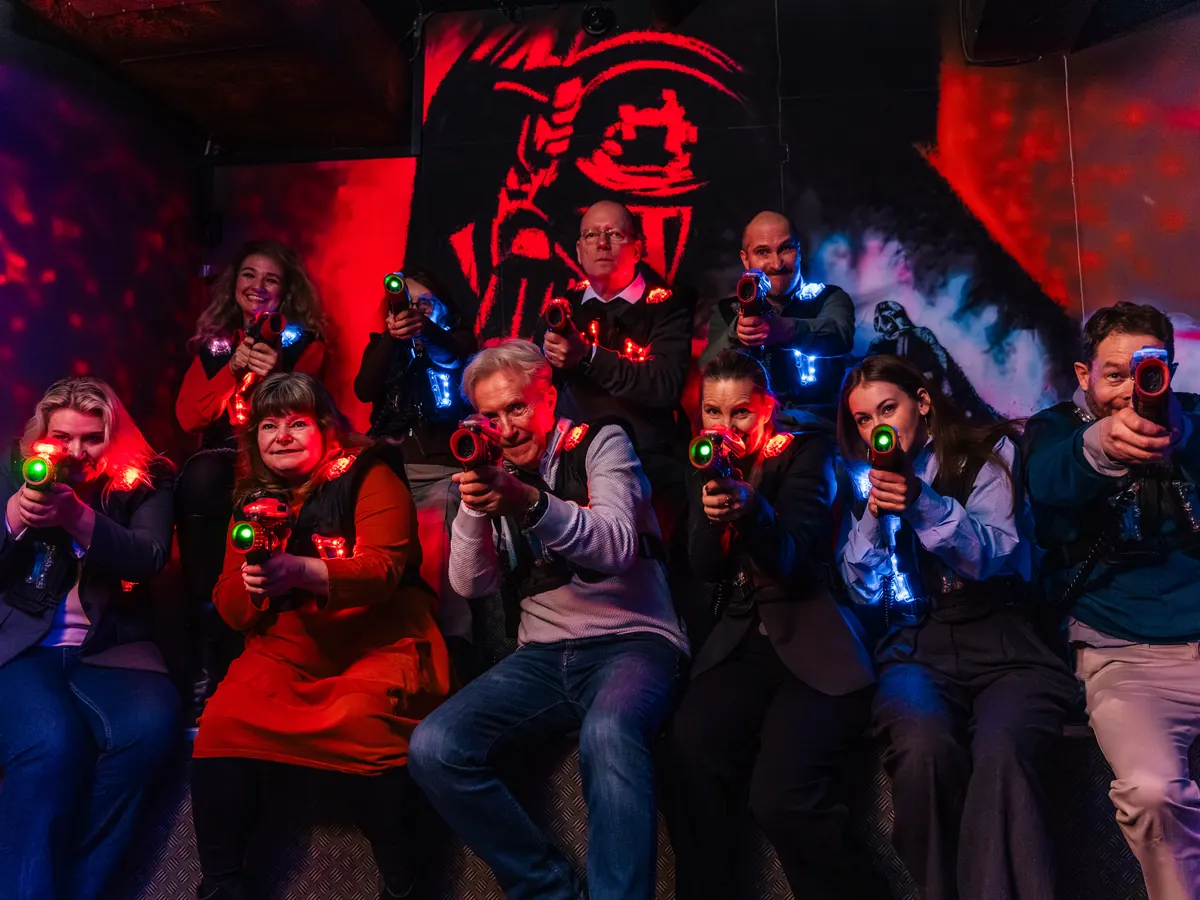
Bowling alleys, laser tag arenas, escape rooms, go-kart tracks and trampoline parks sell time on lanes and rooms – often several at once. Luneo is built for exactly that, by people who have run activity centres for more than ten years.
Made for
- Bowling
- Laser tag
- Escape rooms
- Go-karts
- Trampoline parks
- Minigolf
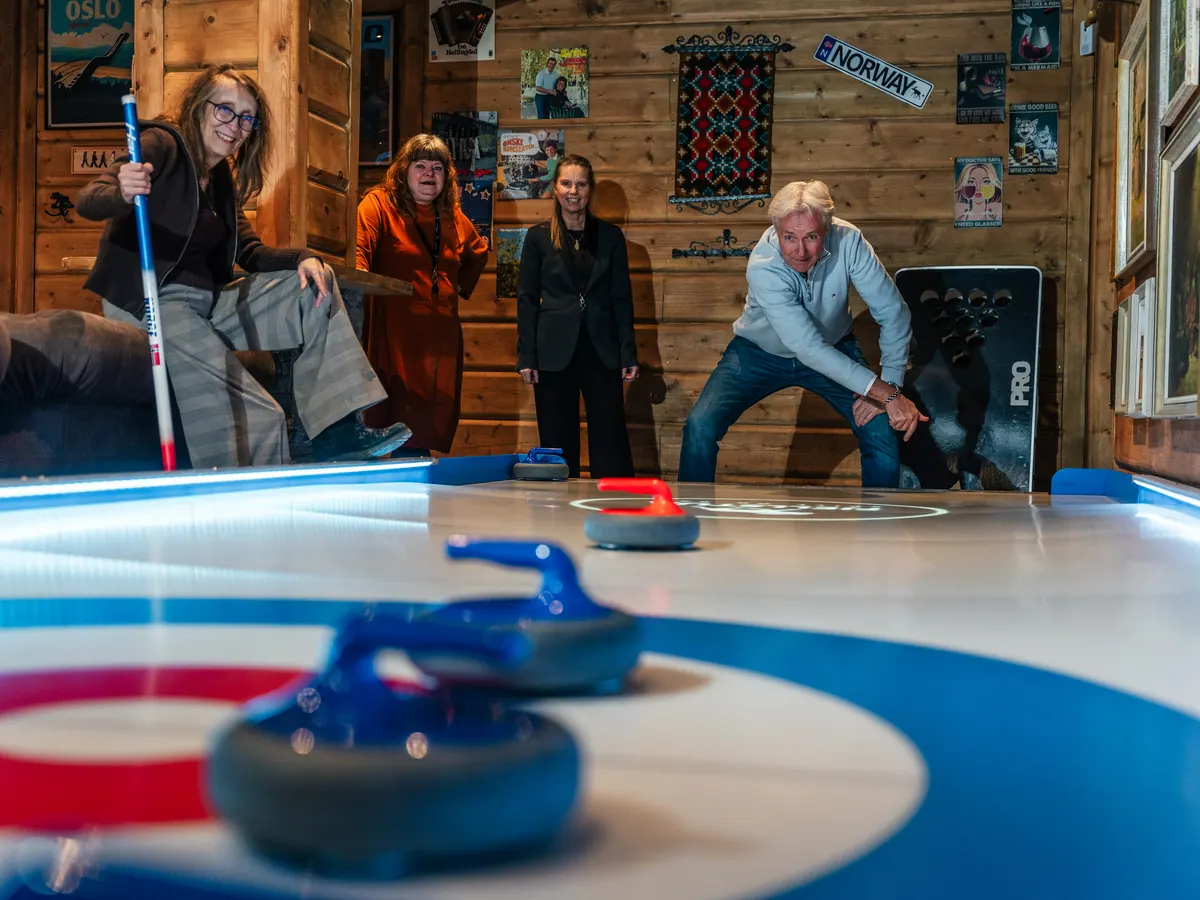
- Curling
- Paintball
- Climbing
- Padel
- Golf simulators
- Darts
- Shuffleboard
- Pool
- VR
- Karaoke
- Indoor playgrounds
…and anyone else who sells time on lanes, rooms and equipment.

Why Luneo
We have worked the front desk ourselves.
We have run activity centres in Norway for more than ten years. We have used the usual booking systems, and we know where they fall short. That is why we also know what a good booking system for this industry needs to include.
One booking occupies several resources at once
Eight people bowling means two lanes. A birthday package is a lane from 16:00 and a room from 17:00. Ordinary booking systems cannot handle that. Luneo assigns the resources itself – lanes, rooms, karts, tables – holds them, and releases them if the booking falls through.
You already have a website you like
Booking should plug into it, not replace it. Luneo lives on your own address, in your colours and under your name. Nothing the guest sees carries our name.
VAT has to be right all the way through
Every activity has its own rate, and in a package the food share is 25 % while the rest follows the activity. It carries unchanged from the price list to the payment window to the accounting report.
What you get
Your own booking system, on your own address.
You get booking.yourdomain.com or name.luneo.no – with your own name, logo, colours and wording. That is not a setting; it is how the system is built. Three surfaces are included, in Norwegian and English.
The booking pages
Where the guest books, changes and pays – on mobile or desktop. Every guest receives an e-mail confirmation with a link to their own booking.
- Reservations
- Gift cards
- Loyalty club
- Waiting list
- “My booking”
Back office
Everything the staff needs to run the day and the business. All of it can be changed by you.
- Day plan
- Bookings
- Prices
- Packages
- Reports
The board
A screen showing who is playing on which lane right now, and who is up next. Just a browser on a TV – always available. The QR code for the waiting list can be switched on and off.
- Lane overview
- Up next
- Waiting list (optional)
The guest manages their own booking
The e-mail confirmation contains a link to the booking. There the guest can change the number of people, add extra products, food and extras, or cancel – right up to the deadline you set, for example 48 hours before. That means fewer phone calls to the front desk.
Online payment is optional
You decide whether guests pay online. Switch it on and we connect Dintero, so guests pay the way they prefer – at transaction rates we have negotiated. Switch it off and you take payment at the front desk when the guest arrives, just as before. The booking works the same either way.
- Vipps
- Credit cards
- Klarna
- Apple Pay
- Google Pay
- and more
Invoicing business customers
Business customers enter their invoicing details – company name, registration number, invoice address and reference – when they book. Everything sits on the booking itself, so you can invoice them easily afterwards.
Independently security tested
The system has been security tested by an independent third party. Everything is stored securely in the cloud with daily backups, so you do not lose bookings if something goes wrong.
Booking can be embedded straight into your website
Two lines pasted into your own website, and the form sits right inside your own page – in your colours, light or dark, without the guest ever leaving your site. No tracking, no cookies. Only websites you have registered yourself are allowed to embed the booking.
<script src="https://booking.yourdomain.com/embed.js"></script>
<div data-luneo="booking"></div>
Try it yourself
Open the demo. No sign-up, no salesperson.
A complete activity centre: eight bowling lanes, two laser arenas, darts, shuffleboard, golf simulators and karaoke – with bookings, prices, packages and people in the queue. You land straight in the back office and can do whatever you like with it.
Things worth trying
Add a booking
Click an empty slot in the day plan. The system picks the lanes itself, and tells you if someone already has them.
Drag a booking to another lane
Grab a block in the timeline and move it. It only lands where it can actually go.
Find the arena used for two things
Under Resources, Hall 1 and Hall 2 are marked «shared» – they are used for both laser tag and indoor paintball. Book one, and it is taken for both.
Close a lane
Add a closure under Resources. If there are bookings in the period, you are told before anything is saved – with names and phone numbers.
Change a price
Anything the manager can touch, you can touch. Then open the booking page and watch the price change straight away.
Book as a guest
Fill in the reservation form, and watch the booking appear in the day plan.
The centre is fictional. The demo sends no email – the confirmation is placed in the Email tab so you can read it exactly as the guest would have received it, and the guest's own page opens from the booking. Everything you do is reset each night, so the next person meets a complete demo.
What makes the job easier
Built around everyday life in an activity centre.
Booking assigns the resources itself
The guest picks a time and a group size; the system works out how many resources that takes and which ones are free. Staff can override whenever they want.
Packages that hold several things in sequence
Birthday: lane 16–17, room 17–18. The planner makes it all fit and reserves everything in one go.
Request or instant booking
Your choice, and it can be set per package. Some want to review a Christmas party before saying yes; nobody wants to review two people on a lane on a Tuesday.
Norwegian and English
Written in Norwegian by people who know the industry – not translated. International guests get the whole booking flow in English.
Everything can be changed by you
Prices, opening hours, packages, customer groups, form fields, the texts guests read, colours, logo. Not a support ticket.
The log shows who did what
Every change to a booking, with who and when.
Guests: 4 → 6 · Lanes: Lane 1 → Lane 1, Lane 2Personal data cleans itself up
Old bookings are archived and deleted after retention periods you set yourself.
No app, no installation
Everything is web pages that work on phones, tablets, desktops and the TV in your venue.
On your own domain
Booking lives on booking.yourdomain.com if you like, and looks like your website.
Pricing
One fixed, low monthly price. Not a single krone of your revenue.
The booking itself costs €75 per month ex. VAT. That is the entire base price. Anything beyond that you buy one feature at a time, in the back office, when you need it – and switch off just as easily.
Others take a cut of every booking. We take a fixed amount, however well you do.
The price and terms in force that day are stored, and cannot be changed afterwards without it showing.
The feature runs to the end of the month, then it is gone. No call to support.
Always included – no extra charge
- Revenue reportPer day, week or month, broken down by activity and customer group, with VAT. Export to PDF and Excel.
- Waiting listGuests queue up from their phone. The QR code on the board can be switched on and off.
- Staff accountsA separate account with PIN for every employee. The log shows who did what.
- Today’s planWho takes which group today.
Switch on what you need
-
€22Sell gift cards on your website and at the front desk. The guest receives it as a PDF by e-mail and uses the code when booking.
-
€13An e-mail a few days after the visit with three faces. Yellow and red require a comment and land in a separate follow-up list.
-
€18An e-mail a few days before the visit with selected products and a button to “My booking”, where the guest adds them themselves.
-
€5Share of lane hours booked, a heat map by weekday and hour, and what sells best.
-
€27Consent in the forms, a subscriber list, a simple block editor and sending in small batches.
-
€13A tidy quote with logo, price and terms. Lanes are held until the deadline and released automatically if they decline.
-
€27Guests earn points on activities, spend them on their next booking and reach tiers. You decide the names and rates.
-
€13An overview of every piece of equipment and every room, with a history of what has been done. Staff report faults on the spot, and the case stays open until someone has fixed it.
How to get started
Four steps. No installation.
We set up your business
With your activities, prices and opening hours.
You choose an address
booking.yourdomain.com or name.luneo.no.
The manager gets an account
And walks through “Getting started” – five steps in the back office, each with a button.
Booking is connected to your website
A link, or two lines pasted in.
Just look, without committing
The system can be tested and set up without you putting it into use. Get access, click around the back office and see how tidy it is – no obligations.
Need a new website too?
Digikrutt.no builds a new website for you, with Luneo seamlessly integrated from day one – one supplier for website and booking.
Get in touch
Try Luneo free for three months.
Send us an e-mail and we will set up your business and walk through it together. If you just want to see the system first, we can arrange that too.
Get in touch
Tell us what kind of centre you run and how many lanes or rooms you have, and we will reply quickly.
Contact usThe booking system is built by the managing director of Megazone in Oslo, which is part of Playrnorge.no. Setup and development happen in the evenings and at weekends, while Megazone and our other activity centres keep running. That is why we can offer this at such a low price. E-mails and replies will be handled in the evenings. Luneo is operated by Digikrutt.no.